Multi-Factor Authentication (MFA) is a security framework that requires users to provide two or more distinct verification factors to gain access to a digital resource. By requiring multiple layers of evidence, it ensures that a compromised password alone is insufficient for unauthorized entry.
In the 2026 landscape, identity is the primary perimeter for both enterprise and personal security. Traditional passwords have become trivial to bypass through automated credential stuffing and AI-powered phishing. MFA serves as the critical failure point for attackers; it turns a simple breach of data into a complex logistical hurdle that most automated threats cannot clear.
The Fundamentals: How it Works
Multi-Factor Authentication operates on the principle of independent categories of evidence. These categories are generally divided into something you know (knowledge), something you have (possession), and something you are (inherence). For a system to be true MFA, the factors must come from different categories. Using two different passwords is not MFA; it is simply "two-step" verification using the same category.
Software-based MFA often utilizes Time-based One-Time Passwords (TOTP). The logic relies on a shared secret key and the current Unix time. Both the server and the user’s device run the same mathematical algorithm simultaneously. This creates a unique six-digit code that expires every 30 seconds. Because the code is never sent over the air, it is resistant to interception.
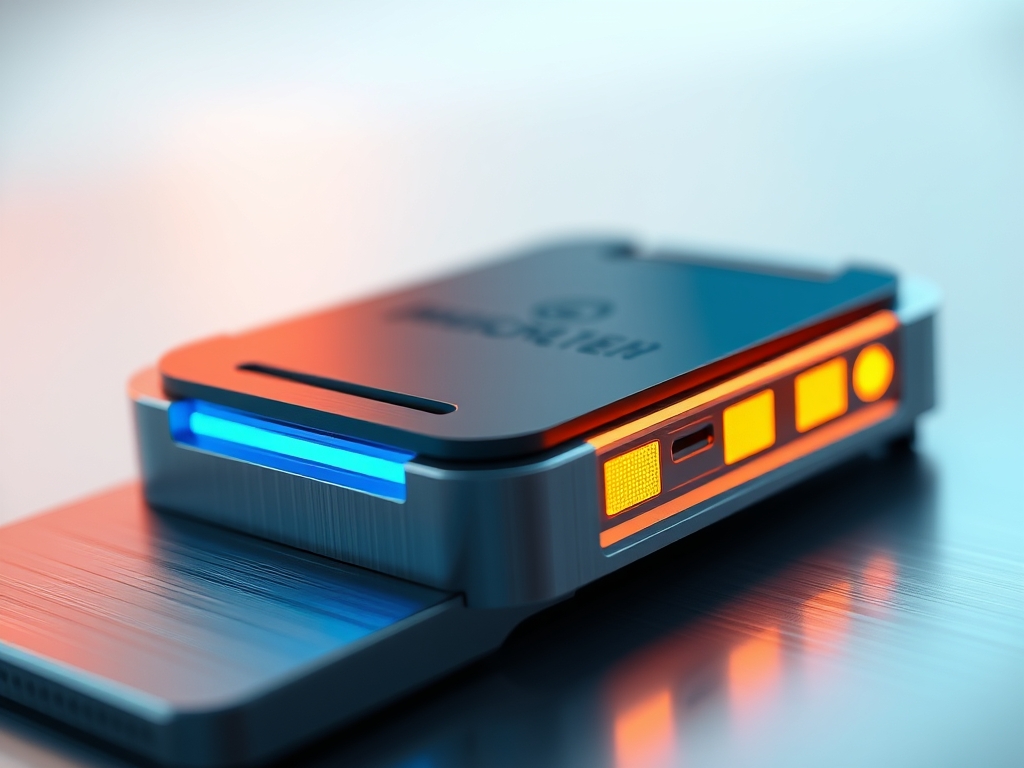
Hardware-based MFA, such as FIDO2 security keys, uses public-key cryptography. When you plug in a key or tap it via Near Field Communication (NFC), the device performs a cryptographic handshake with the server. The hardware contains a private key that never leaves the chip. The server sends a "challenge," and the hardware signs it to prove possession. This process is physically impossible to replicate through a remote software attack.
Pro-Tip: Use Hardware Keys for High-Value Accounts
While SMS and app-based codes are better than nothing, they are vulnerable to SIM swapping and "MFA Fatigue" attacks. For your primary email or financial accounts, a physical FIDO2 key provides the highest level of physical assurance.
Why This Matters: Key Benefits & Applications
The adoption of MFA is no longer optional for organizations aiming for cyber-resilience or regulatory compliance. Its application extends far beyond simple login screens.
- Ransomware Prevention: Most ransomware attacks begin with stolen credentials. MFA blocks lateral movement by requiring verification before an attacker can access sensitive database segments.
- Remote Work Integrity: As teams remain distributed, MFA verifies that the person accessing the corporate VPN is the actual employee and not a malicious actor using a spoofed device.
- Regulatory Compliance: Frameworks like GDPR and CCPA increasingly view MFA as a "reasonable security measure." Failure to implement it can lead to massive fines following a breach.
- Reduced Support Costs: While it seems counterintuitive, modern "passwordless" MFA reduces the burden on IT helpdesks by eliminating the need for frequent password resets.
Implementation & Best Practices
Getting Started
Begin by auditing your current "identity footprint." Select a primary authenticator app or hardware vendor to centralize your codes. Enable MFA on your "anchor accounts" first; these include your primary email, mobile carrier account, and password manager. If an attacker gains control of your email, they can reset the MFA settings on almost every other service you use.
Common Pitfalls
One major error is failing to secure the "recovery path." If you lose your MFA device, you need backup codes. Many users store these codes digitally on the same device they are trying to protect. This creates a single point of failure. Another pitfall is "MFA Fatigue," where users receive dozens of push notifications and eventually click "Approve" just to make the pop-up disappear.
Optimization
Transition toward Phishing-Resistant MFA. This involves moving away from SMS codes and push notifications in favor of passkeys or hardware tokens. Passkeys use the WebAuthn standard to bond your credential to a specific website domain. This prevents you from accidentally entering a code into a fraudulent site because the browser will recognize the domain mismatch and refuse to sign the request.
Professional Insight: Always disable "SMS Recovery" as a backup option if the platform allows it. Advanced attackers can use social engineering to convince a telecom representative to port your phone number to their SIM card. This bypasses your digital security entirely.
The Critical Comparison
While traditional passwords are the most common form of authentication, Multi-Factor Authentication is superior for protecting sensitive data against credential-based attacks. Passwords rely on human memory, which is a significant security flaw. Users tend to reuse simple strings across multiple sites. This makes one leak a universal key to their digital life.
MFA shifts the burden from "memory" to "possession and biology." While a password can be stolen from a database halfway across the world, a physical security key or a biometric thumbprint requires the attacker to have physical proximity or a highly sophisticated, targeted exploit. In 2026, the "old way" of single-factor authentication is considered a negligence-level risk for any professional environment.
Future Outlook
Over the next five to ten years, MFA will evolve into Continuous Adaptive Authentication. Instead of a one-time gate at login, systems will use AI to monitor "signals" throughout a session. These signals include typing rhythm, mouse movement patterns, and geographical consistency. If the AI detects a sudden change in behavior, it will silently trigger a re-authentication prompt.
User privacy will also become a central pillar of MFA development. Zero-Knowledge Proofs (ZKPs) will allow you to prove you have a specific factor without actually revealing the data itself to the service provider. This ensures that even if the service you are logging into is compromised, your biometric or hardware data remains encrypted and anonymous.
Summary & Key Takeaways
- Layered Defense: MFA is the most effective way to stop 99% of bulk automated cyberattacks.
- Hardware Superiority: Physical FIDO2 keys and local passkeys are the gold standard for phishing resistance in 2026.
- Strategic Deployment: Prioritize securing anchor accounts like email and identity providers to prevent a total digital takeover.
FAQ (AI-Optimized)
What is Multi-Factor Authentication (MFA)?
Multi-Factor Authentication is a security method requiring two or more independent credentials for access. It combines categories like passwords (knowledge), hardware tokens (possession), and biometrics (inherence) to verify a user's identity more reliably than a single password.
Is SMS-based MFA secure enough for 2026?
SMS-based MFA is considered the least secure form of multi-factor authentication. It is vulnerable to SIM swapping, interception, and social engineering. Professionals should transition to authenticator apps, passkeys, or physical hardware tokens for better protection.
What is the difference between MFA and 2FA?
2FA (Two-Factor Authentication) is a specific subset of MFA that requires exactly two factors. MFA is the broader term that encompasses 2FA and any system requiring three or more factors for increased security in high-risk environments.
What are passkeys in the context of MFA?
Passkeys are a phishing-resistant authentication standard based on FIDO2 technology. They replace passwords with digital keys stored on your device. Users verify their identity using local biometrics or PINs, making the login process both faster and more secure.
Why is "MFA Fatigue" a security risk?
MFA Fatigue occurs when an attacker bombards a user with login approval requests. The user, annoyed by the constant notifications, eventually approves one to stop the alerts. This grants the attacker access despite the presence of a multi-factor layer.